
01
Bring it in once.
Stream with ServiceClip or import a recording you already have. Start the sermon, clips, and publishing work from that service.
FOR CHURCH MEDIA TEAMS
ServiceClip finds the sermon, suggests clips, and drafts titles and descriptions. Review and publish from one workspace, with less scrubbing, retyping, and copying between platforms.
Found within the service.
Ready to watch on its own.
Suggested moments.
Vertical video with captions.
A home for messages,
series, and collections.
The message, ready
to take along.
01 / LESS REPEAT WORK
ServiceClip does the first pass on each recording, so your team reviews instead of starting from scratch.
Stream with ServiceClip or import a recording you already have. Start the sermon, clips, and publishing work from that service.
Get the sermon identified within the full service, with a searchable transcript and suggested details to review.
Review suggested cuts, titles, and descriptions. Adjust the boundaries, framing, and captions where you need to.
Publish to YouTube and your podcast feed, and bring messages, series, and collections together on your branded media website.
02 / A CLOSER LOOK
Try the clips, transcript, and names.
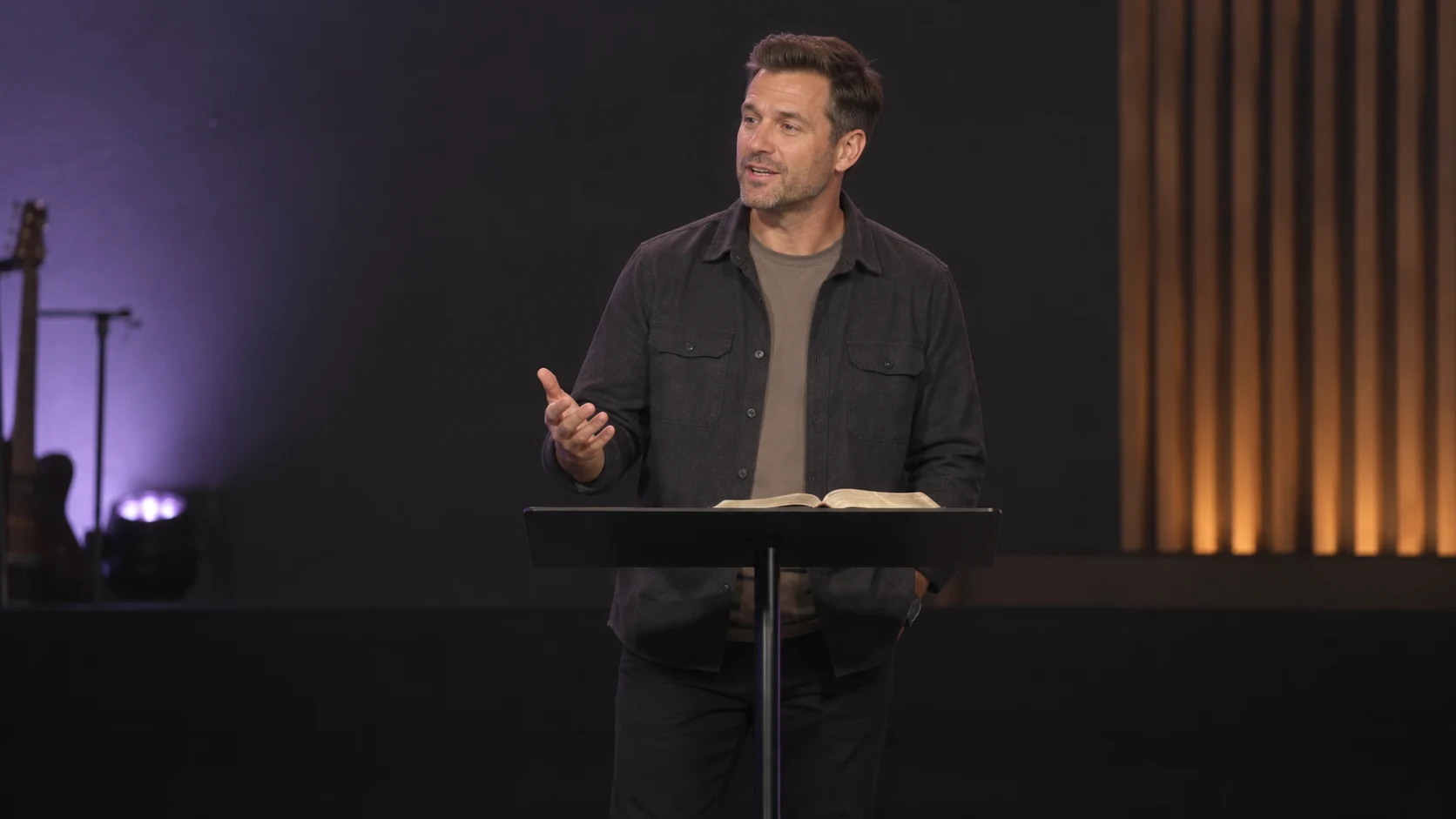 SERMON VIDEO
The next step may be small. What matters is that we take it together.
Select a suggested moment to explore it.
A complete thought, with a clear invitation to put the message into practice.
YOUR CHURCH’S MEDIA WEBSITE
31:42Pastor Jordan · 31 minutes
Take the next step.Take the next step
42 secShow up for someone.A community that shows up
36 secLIVE STREAMING, CONNECTED
Stream to your website, YouTube, and Facebook at the same time. The finished ServiceClip stream joins your recording workflow, ready for sermon discovery, clip suggestions, and review.
PLANS FOR YOUR CHURCH
Billed monthly
For churches with an existing streaming setup.
Billed monthly
For a connected church media workflow.
Billed monthly
For ministries with fuller service schedules.
Founding rates are for our first 30 churches and stay with you while your subscription remains active.
Compare plans and detailsA FEW PRACTICAL DETAILS
No. Upload a recording you already have, or import podcast audio. If you do stream with ServiceClip, the finished recording joins the same workflow.
Yes. Preview a suggestion, adjust its boundaries, choose a cover frame, and edit its title and description. The clip editor also provides framing and caption controls. You can make a new clip from a moment in the transcript, too.
Publish to your connected YouTube channel or podcast feed. Your ServiceClip media website gives people a place to browse messages, short clips, speakers, series, and collections. Adapt its colors and typography, and connect your own domain.

